
Brands Overview
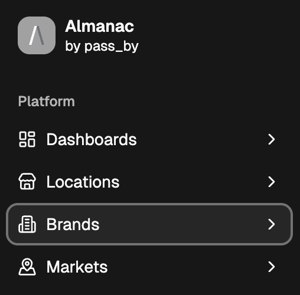
The Brands section in Almanac provides a complete view of how a specific brand performs across all its locations. It’s part of the Analysis pages, along with the Locations section, and is designed to help you explore aggregate trends in foot traffic, visitor makeup, and individual store performance.
Use this section to:
- Track how visits to your brand are changing over time
- Understand who your visitors are and how they differ from the wider population
- Compare your brand’s performance against a competitive benchmark
Key Features
1. Brand Visits
Analyze how overall traffic to your brand’s locations has changed over time. Metric cards summarize key changes in performance, including Brand Growth, Benchmark Growth, and Performance Gap, showing how your brand compares to the market. Below these, the time-series graph visualizes those same metrics in greater detail across your chosen date range.
You can adjust the display to customize both the metric cards and the time-series chart:
- Select a date range (7D, 30D, 3M, 6M, 12M, or Custom)
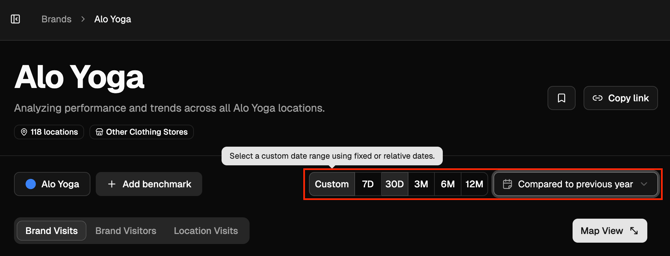
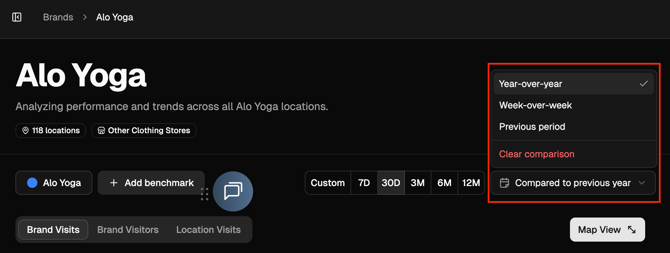
- Compare against a previous period or year
- Choose between metrics (e.g., Total Visits or Growth)
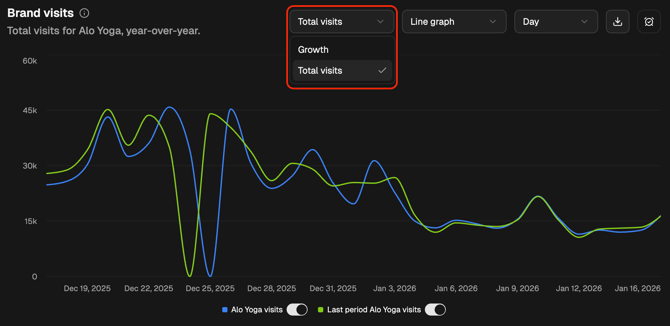
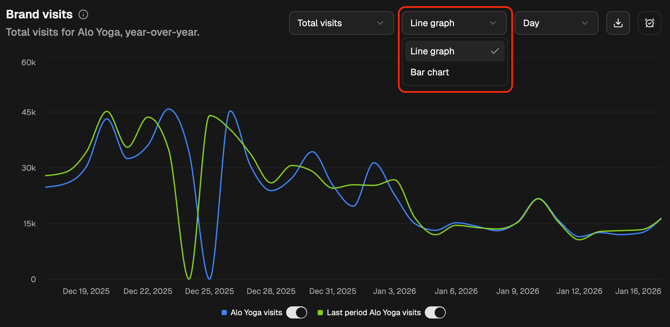
- Switch visualization type (line graph or bar chart)
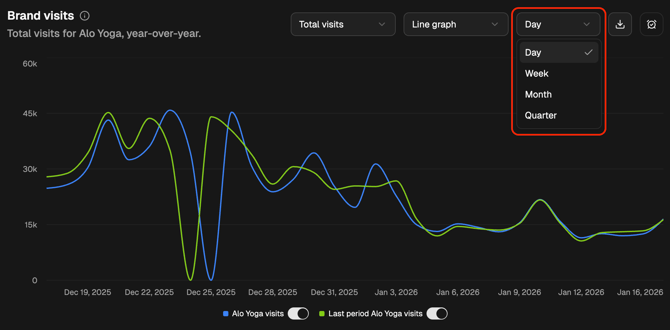
- Change aggregation (day, week, month, or quarter)
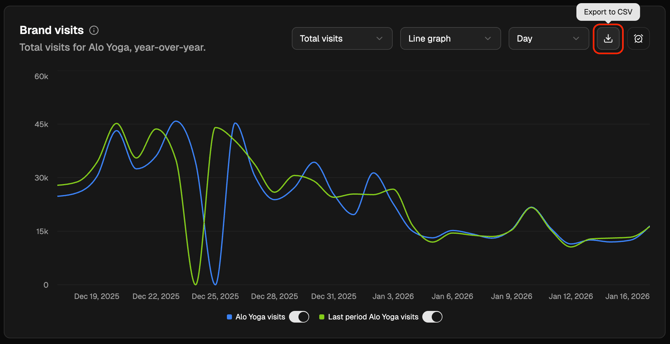
- Export data as CSV
- Toggle series to focus on specific competitors
2. Brand Visitors
Understand who your visitors are, how they compare to your benchmark set, and what that means for your market positioning.
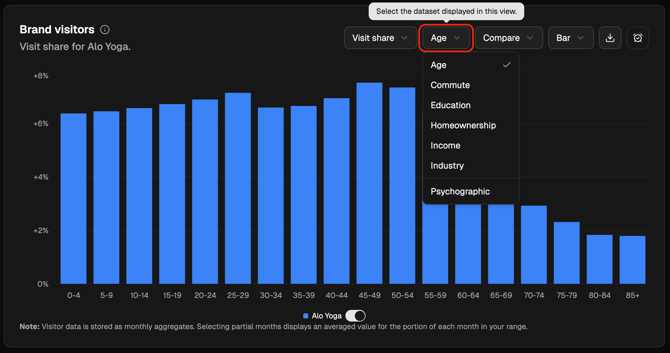
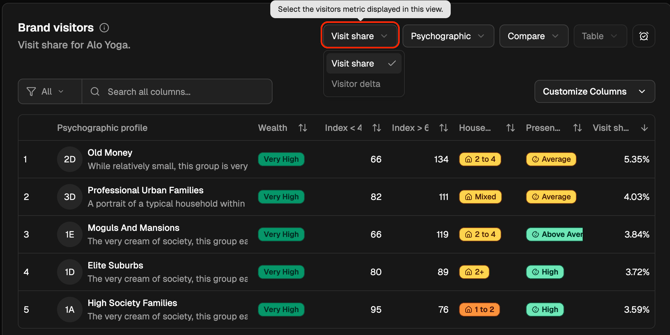
This view lets you analyze visitor share and visitor delta — the difference between your audience and a selected national or state population.
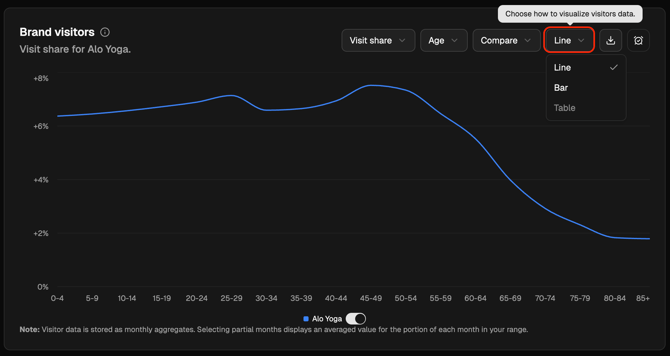
- Demographics: age, income, education, home ownership, commute, and industry
- Psychographics: lifestyle segments and behavioral traits
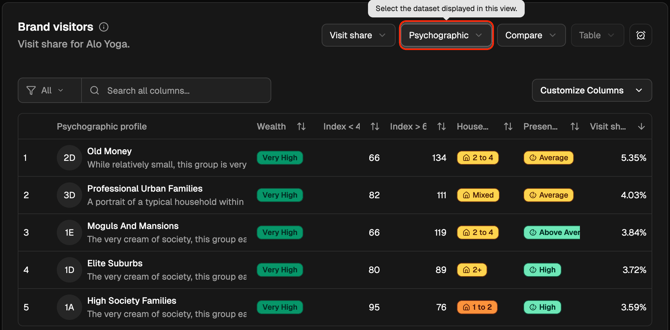
- Change the metric (Visit Share or Visitor Delta)
- Switch between bar or line graphs for visualization
3. Location Visits
Drill down into performance at the individual store level.
This table lists all of a brand’s locations and shows visit metrics such as:
- Total Visits
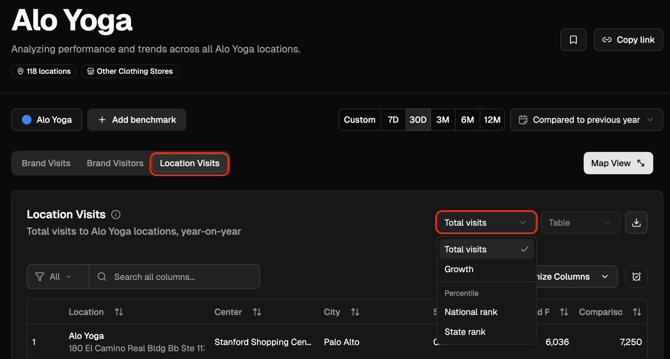
- Visit Growth
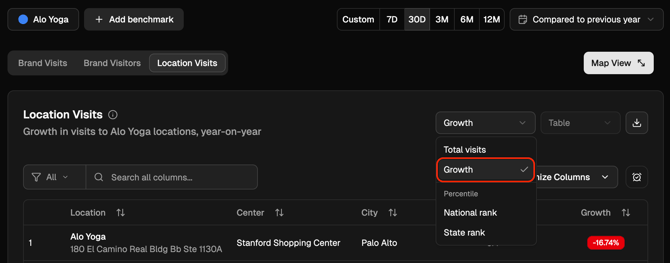
- National Rank and State Rank
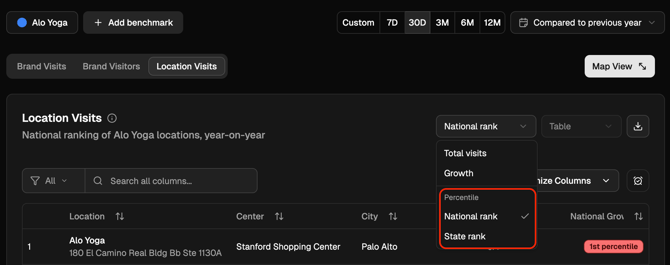
You can filter, search, and sort locations to identify top performers or underperformers. When a benchmark is added, you can see how each location’s ranking compares to the benchmark set — making it easy to spot where your brand leads or lags competitors.
Use Cases
- Track brand-wide performance trends and benchmark growth against competitors
- Analyze visitor demographics and psychographics to refine marketing strategy
- Compare location-level performance to identify best and worst performers
- Export or bookmark charts for reporting and collaboration
Next Steps
- Continue to the Locations Overview to explore store-level analytics.
- Learn more about Benchmarking to understand how competitor sets are defined.