![logo-2 (1)-Oct-10-2023-11-05-48-5121-AM.png]](https://help.passby.com/hs-fs/hubfs/logo-2%20(1)-Oct-10-2023-11-05-48-5121-AM.png?height=50&name=logo-2%20(1)-Oct-10-2023-11-05-48-5121-AM.png)
What This Section Does
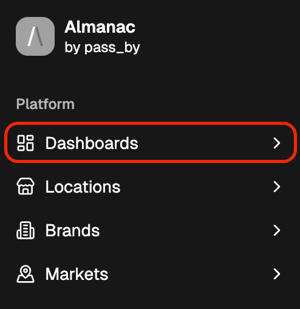
The Dashboards section gives you a dynamic view of key performance metrics that update automatically as new data becomes available. Each Dashboard is tailored to a specific use case or goal, helping you monitor what matters most and take action quickly.
Dashboards are designed for continuous use — you can revisit them daily to track performance, compare competitors, or identify new trends without rebuilding reports each time.
- View real-time, auto-refreshing data
- Save multiple Dashboards to your Sidebar for different views or teams
- Export Dashboard data as a CSV for deeper offline analysis
Key Dashboards
Currently, two Dashboards are available in Almanac: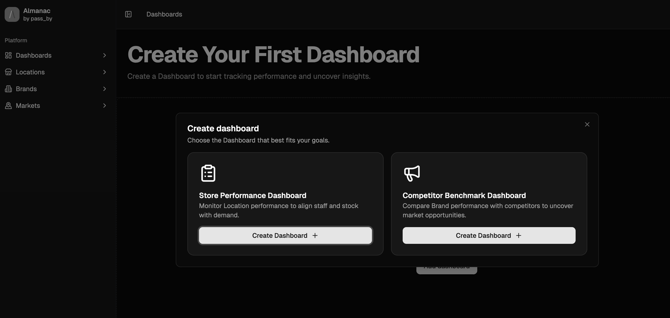
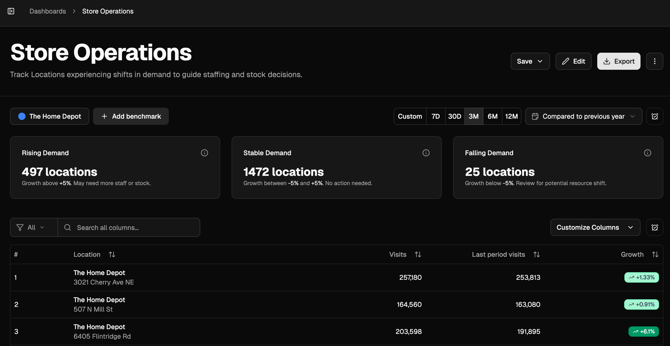
Store Performance Dashboard
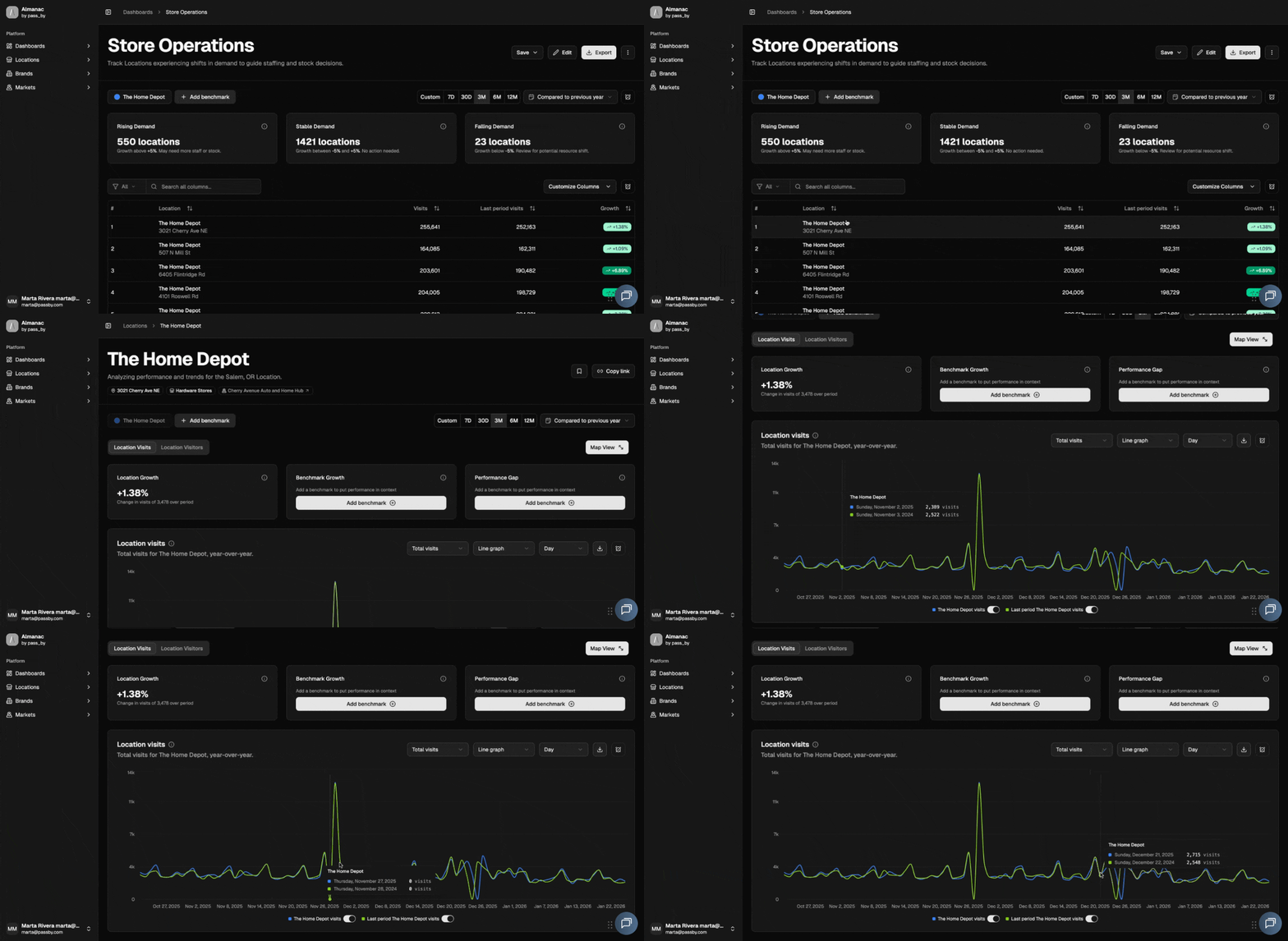
The Store Performance Dashboard helps you understand where resources can be optimized across your network. It highlights stores seeing a decline in demand versus those showing growth, enabling you to redirect resources efficiently. By tracking performance changes, you can capitalize on strong markets while reducing waste where demand has slowed.
- Spot underperforming or overperforming stores
- Identify shifts in consumer traffic
- Rebalance staffing, inventory, or marketing budgets accordingly
Competitor Benchmarking Dashboard
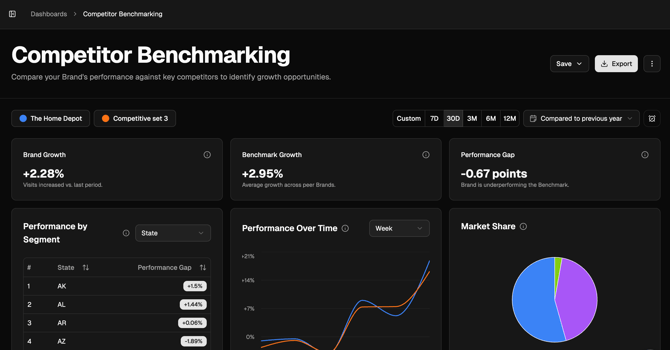
The Competitor Benchmarking Dashboard helps you evaluate your stores against nearby competitors. You can select a set of competitor brands and define a radius, ensuring a like-for-like comparison between locations.
The Dashboard then:
- Finds the closest and most relevant benchmark for your stores
- Summarizes performance over time, segmented by state or site type
- Shows your market share relative to competitors
This view gives a clear, data-backed picture of where your brand stands in its local context.
Key Features
Across all Dashboards, you can use the same global tools available elsewhere in Almanac:
- Segments – Filter your analysis to focus on specific store groups.
- Benchmarks – Compare your brand against competitors or peer groups.
- Date Range & Time Comparison – Analyze how performance changes over time.
Dashboards also act as a gateway to deeper analysis. When you click a Location or Brand within a Dashboard, you’ll move directly to that Analysis Page with your current filters — Segments, Benchmarks, and Date Range — still applied.
Use Cases
- Monitor overall brand performance across markets
- Track the success of new store openings or campaigns
- Benchmark locations against competitors in nearby areas
- Identify where to reallocate resources to meet demand
Next Steps
- Explore the Store Performance Dashboard to identify where demand is shifting.
- Use the Competitor Benchmarking Dashboard to assess your market position.
- Save your favorite Dashboards to the Sidebar for quick access.